
A ribbon on the map
In a sunny conservatory, a tiny green drake holds a pink ribbon over a map while companions offer a berry and a perch. A cat watches from the table.
DM & session
A little mischief.
Perfect animal logic.
A kind way to carry on.
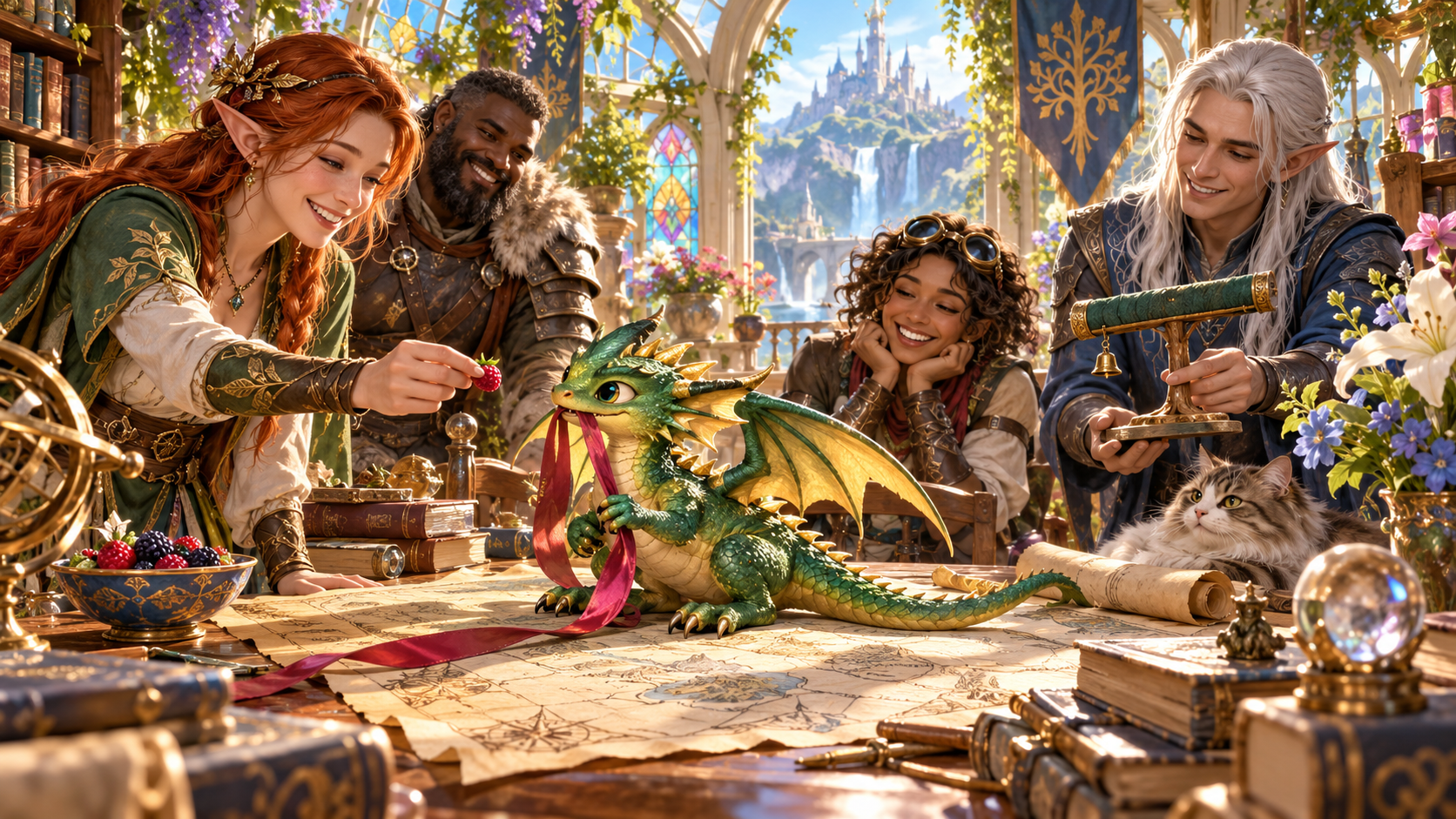
A companion with its own priorities
Prepare one charming interruption and a gentle response.
In a sunny conservatory, a tiny green drake holds a pink ribbon over a map while companions offer a berry and a perch. A cat watches from the table.
Choose the animal, owner, scene and tone. Explain what the companion wants, prepare a read-aloud line and offer several kind ways to redirect it.
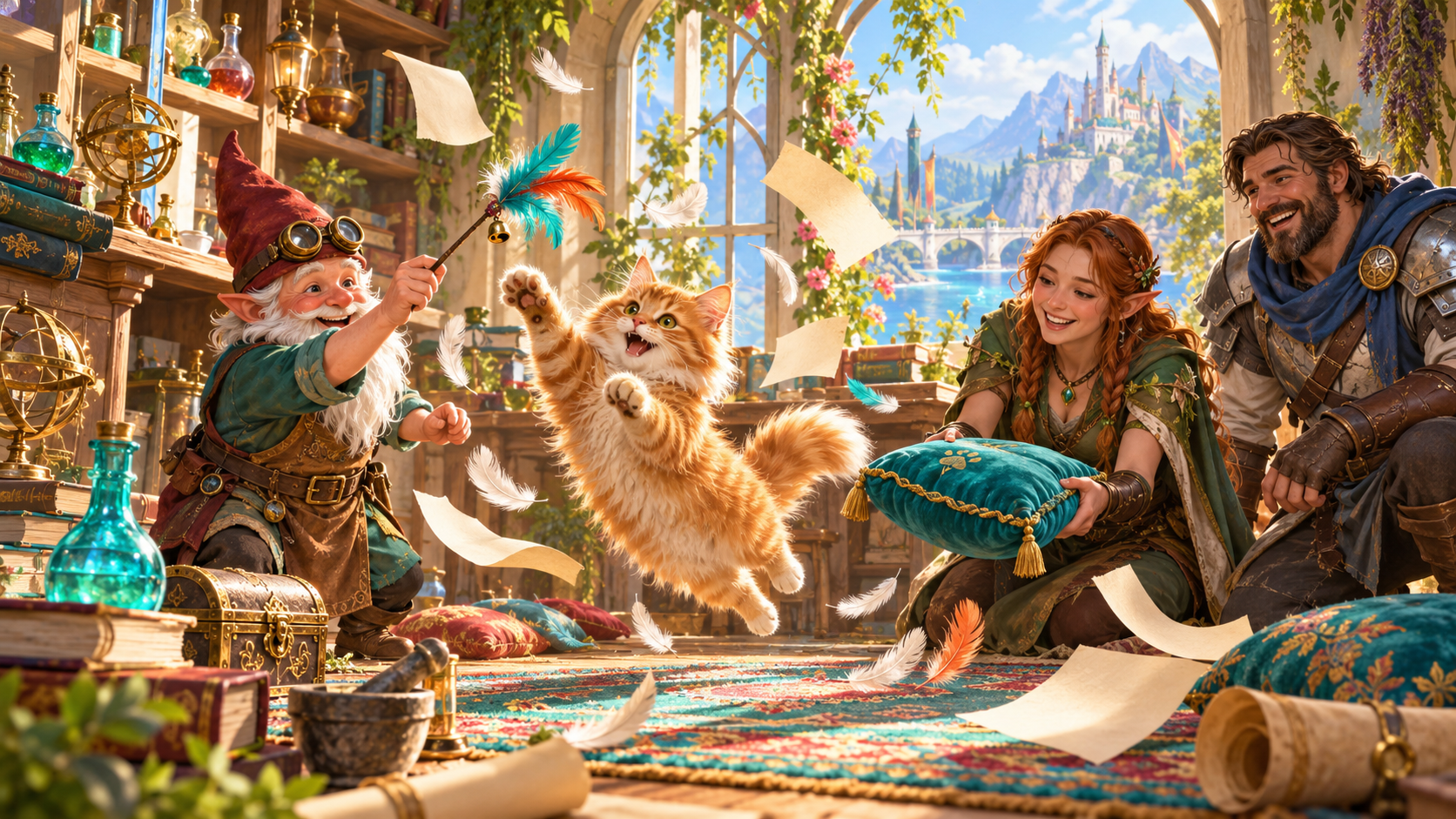
Feathers, flying papers and a soft landing
An alchemist lifts a feather toy as a ginger cat leaps through a flurry of papers. An elf offers a cushion while another companion watches.
Choose one brief distraction and the animal's believable reason. Keep gentle fixes and the return of anything borrowed beside the read-aloud line.
What you can prepare
Keep the moment focused on the pet and the scene it joins.
Describe the scene and the companion's owner. Keep the interruption connected to the people and activity already at the table.
Choose an owl, cat, raven, toad, ferret, dog, monkey or tiny drake. Give the companion an optional name and personality.
Prepare a familiar sitting on a map, borrowing a trinket or announcing itself at the wrong moment. Keep the mischief brief.
Explain the companion's believable reason, whether curiosity, jealousy, enthusiasm or a simple animal priority.
Keep a ready line beside the pet's mood and action. Introduce the moment at the pace your scene needs.
Prepare several kind ways to redirect the animal. Include the return of anything borrowed in the scene.
Choose the tone, things to avoid and private Dungeon Master context. Request a clearly labelled rule suggestion when helpful.
Keep useful sections locked, edit the moment and reroll selected details. Refine the companion's action and the response together.
Save to your signed-in account, then reopen, rename, duplicate, search, tag or annotate your moments. Revisit variations in version history.
Copy the read-aloud-first table moment or selected Dungeon Master or player-facing view. Download the structured record or print it.
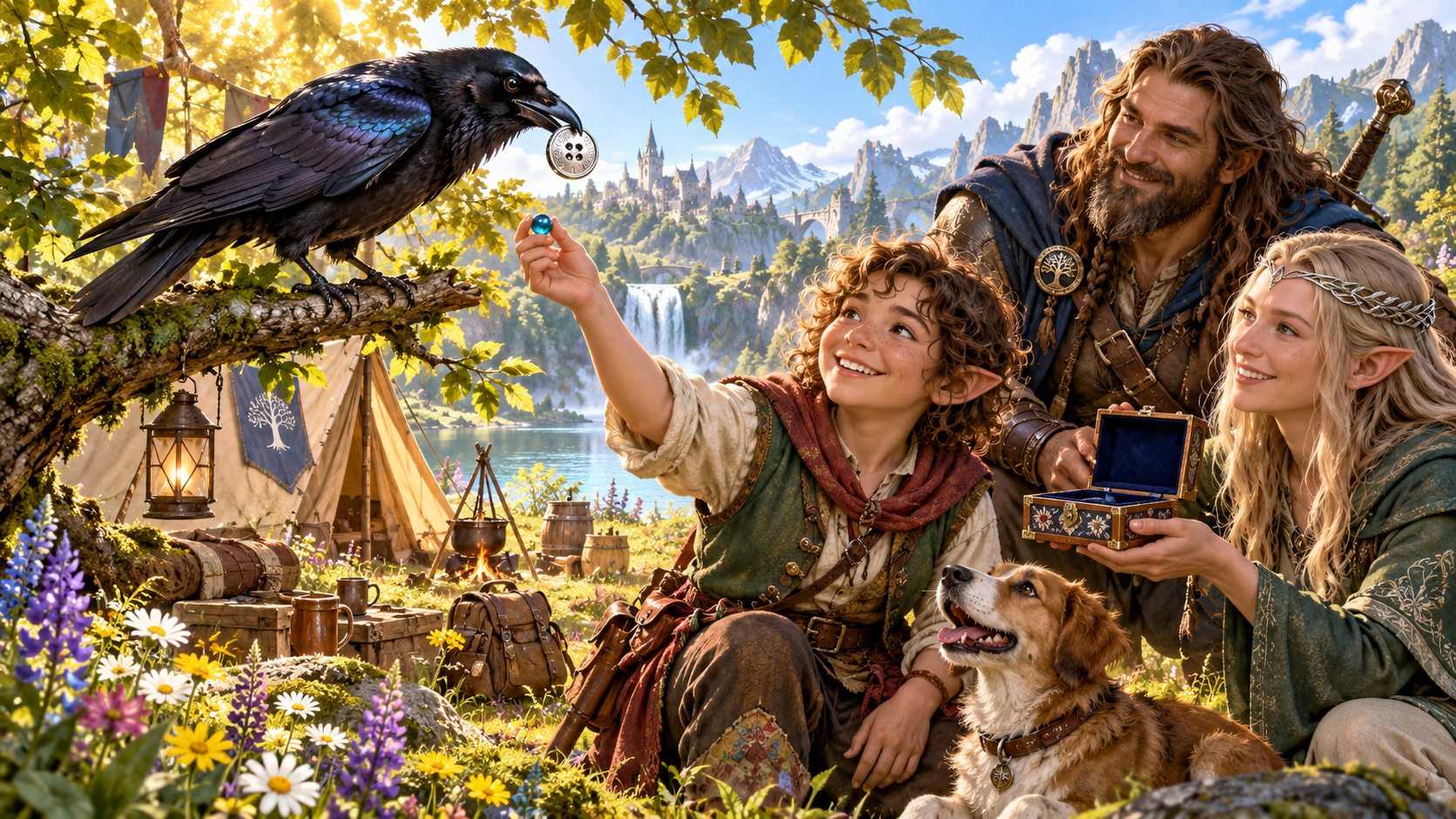
A woodland exchange for a shiny button
At a woodland camp, a raven holds a silver button while a child offers a blue trinket. Companions and a dog watch beside tents, flowers and a cooking fire.
Describe the scene and owner, choose the animal and situation, then shape its interference, mood and animal logic. Prepare several gentle ways to carry on.
Quick setup. Deeper character.
Add the detail that gives the animal its own little reason.
Describe the scene and owner. Choose the animal, situation, harmless interference and tone.
Name the pet if you wish and describe its habits. Refine the curiosity, enthusiasm or other animal logic behind the action.
Shape several gentle solutions and how anything borrowed returns. Add a clearly labelled rule suggestion only when it helps.
Supply things to avoid and private Dungeon Master context. Review, edit, lock and reroll sections to suit your table.
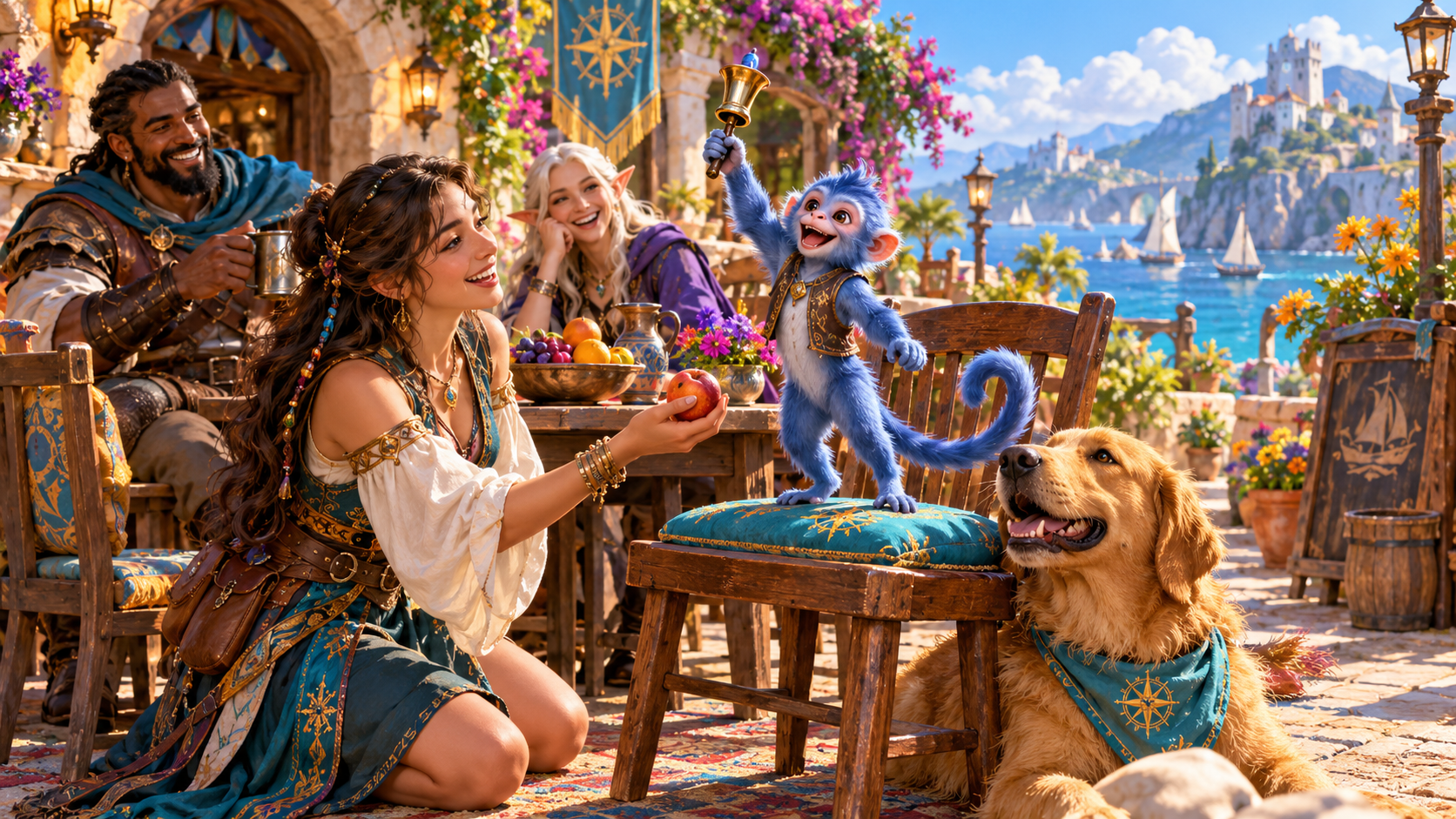
A handbell at a seaside cafe
A blue monkey stands on a cushioned chair and raises a small handbell. An elf offers an apple while companions and a dog watch beside the harbour.
Keep the companion's mood, action, read-aloud line and gentle fixes together. Choose the response that fits the scene and its owner.
Saved moments and table references
Choose the material and audience before copying or exporting.
Save pet-interference moments to your signed-in VISINVOKE account. Reopen, rename or duplicate a moment when preparing another scene.
Search saved moments, add tags or annotations and delete records you no longer need. Keep useful companion details together.
Revisit a twelve-version history. Lock favourite sections, edit the result or reroll selected details when refining the moment.
Copy the table-ready moment with the read-aloud line first, or select the Dungeon Master or player-facing view. Download the structured record or print it. Review before sharing.
Your desktop and related products
Open products through your account and bring chosen material to your table.

Open your VISINVOKE products through one signed-in Windows desktop workspace.
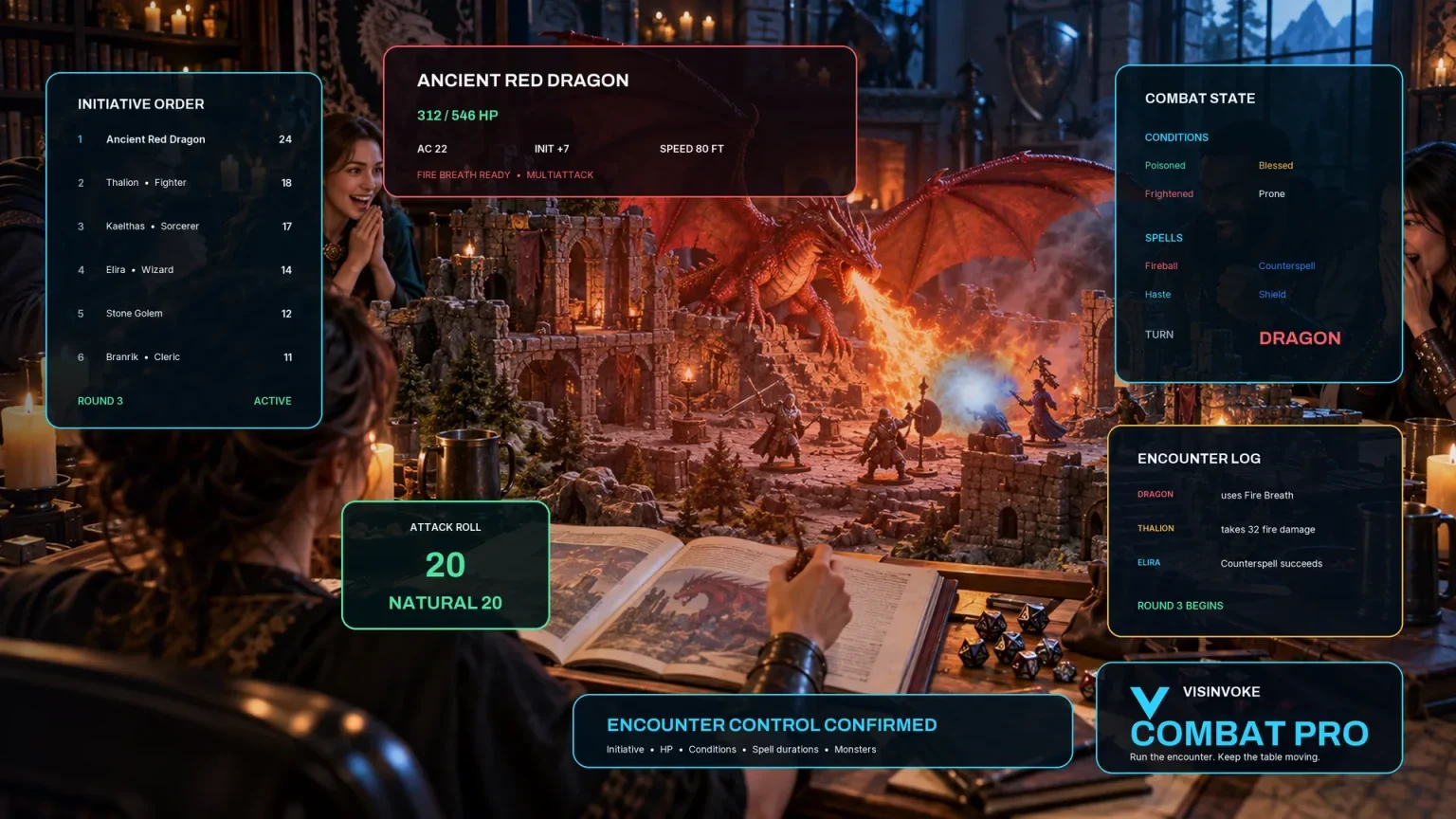
Use the dedicated encounter workspace for combat while keeping companion narration among your table references.
Artwork illustrates fictional companion scenes and related products, not application screens.
Questions and answers
Animals, context, kind solutions, saved variations and selected views at a glance.
One brief, playful interruption by an animal companion, with its mood, action, believable animal logic, a ready read-aloud line, gentle ways to redirect it and the return of anything borrowed.
Owl, cat, raven, toad, ferret, dog, monkey or tiny drake. Add an optional name and personality to give the moment a familiar place in the scene.
Describe the scene and owner, then choose the animal, situation, harmless interference and tone. Add its personality, animal reason, kind fixes, things to avoid and private Dungeon Master context for deeper preparation.
The generator prepares narration for a small companion distraction. Familiar powers and the outcome of stealth remain table decisions. An optional rule suggestion is clearly labelled for you to review.
Save moments to your signed-in VISINVOKE account, reopen and organise them, and revisit a twelve-version history. Lock, edit or reroll sections, copy a selected view, download the structured record or print it. Review material before sharing.
Open the Generators collection in Desktop Control Centre on Windows through your VISINVOKE account. Review individual subscription access and current pricing in your account. A free account is separate from paid generator access.
Continue in VISINVOKE
Create a free VISINVOKE account or sign in to your existing account. Get Desktop Control Centre through your account installer page.
Open the Generators collection on Windows. Review current subscription and access details in your account.